
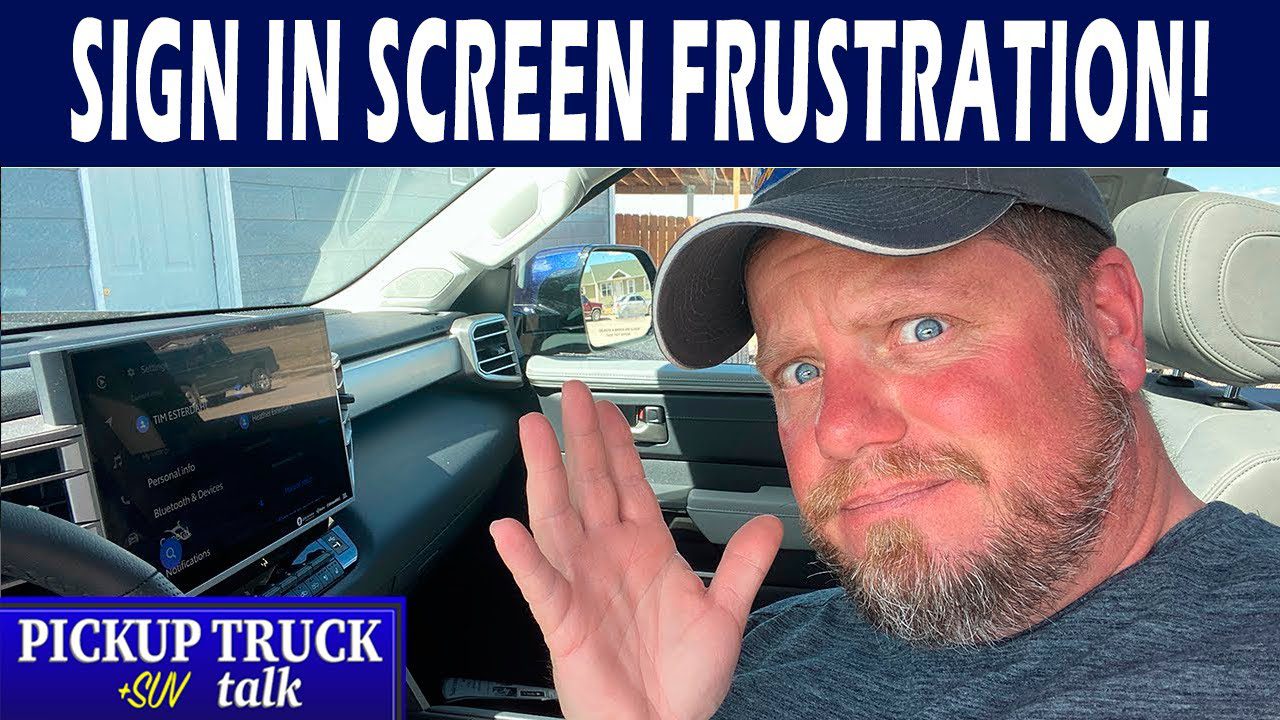
If you watched our previous road trip video where Publisher Tim Esterdahl talked about the Tundra’s infotainment system, you’ll remember he had some issues with the system. After talking to Toyota and hearing that they’ve never experienced the problem Esterdahl sets out to figure it out, gets answers and shares the solution with you in this 2022 Tundra infotainment system fix video.
The problem
When the system is constantly asking for your PIN and telling you to use your app to find it, (which doesn’t work) or enter your email address to retrieve it and that still doesn’t work, you’ll find yourself getting pretty annoyed. Esterdahl reports the screen will eventually time out, allow him to select a radio station then give him less than 2 minutes of playtime and then pop up again. Say what?
And yes, he tried turning it off and on again, and yes, this could be a bad situation if you are prone to distracted driving.
2022 Tundra infotainment system fix for the annoying popup
- Make sure you have the proper key associated with your profile
- Go to the Toyota app, log out, log in and change your password and PIN
- Check your email to retrieve your new PIN
- Use your new PIN to sign-in on the Tundra’s infotainment screen
This resets everything and gets rid of the loop of popups and lets you use your infotainment system again. Hurray!
Have you had this issue? Did the steps above help? Watch Esterdahl’s video then let us know in the comments if this 2022 Tundra infotainment system fix worked for you.
Related posts







1 comment
Tony Pataky
It happened to me too, about 2 weeks ago. Thanks for the info and I forwarded it to my dealership.