
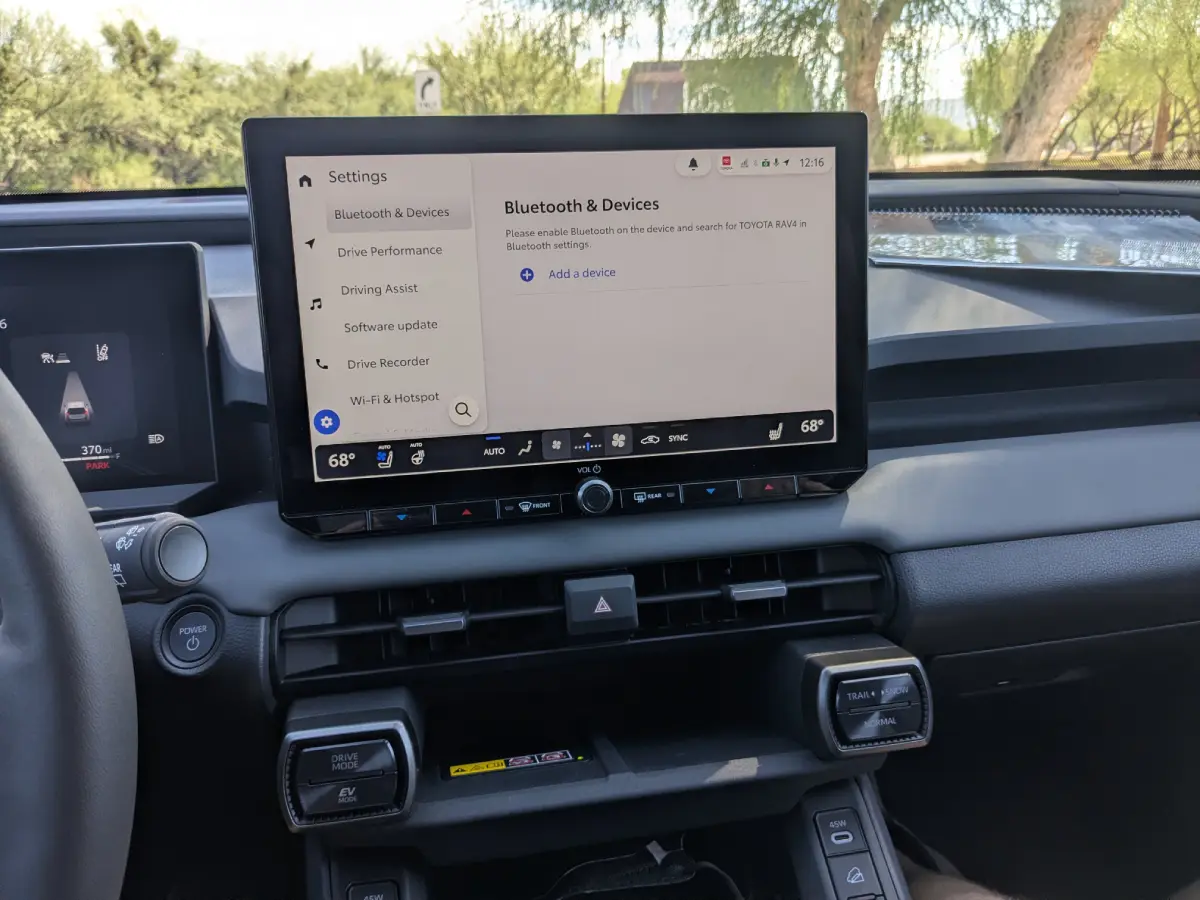
The 2026 Toyota infotainment system is here — what’s new and most importantly, does it fix our big login issue?
As part of a test drive of the brand-new 2026 RAV4, we got a chance to take a hard look at the newest Toyota infotainment system. Toyota fans of all kinds will be interested in this — the same hardware and software will be featured in multiple models this model year.
Logins Fixed?
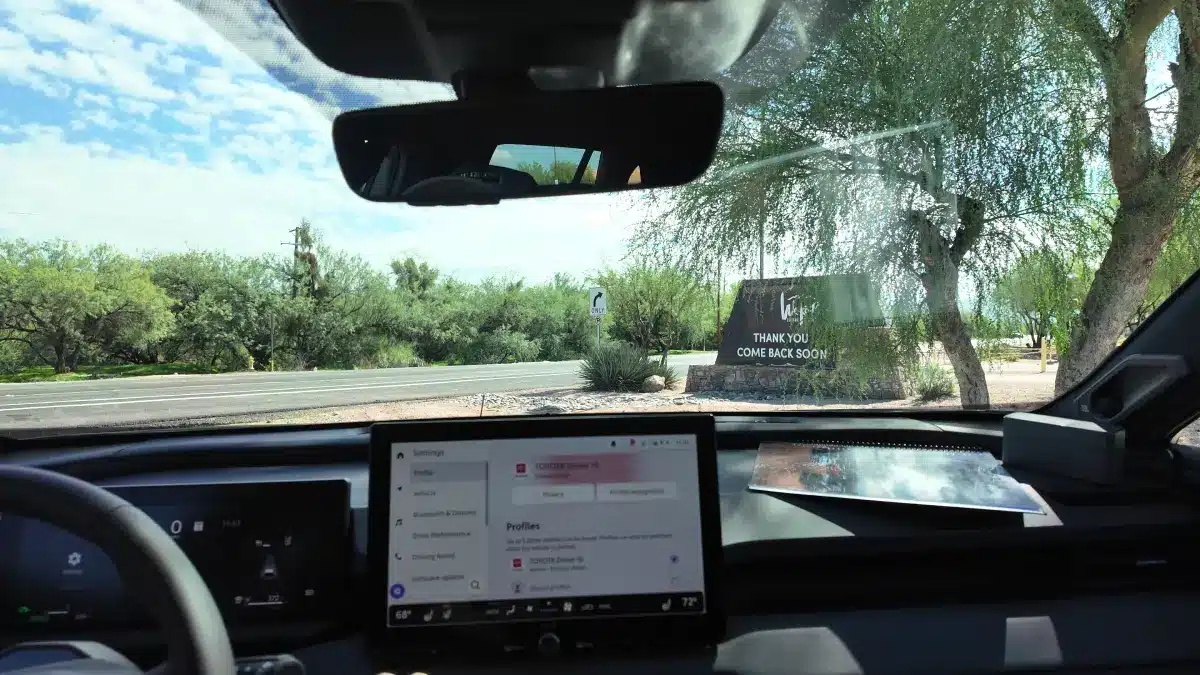
Our biggest question, before we get to the new features: does it fix the issues with the previous system’s setup? And … it does! No more signing into accounts, email verification, and so on! Setting up a new phone with this system is a breeze, requiring just a few virtual button presses on your phone and the car’s touchscreen when used via Bluetooth, and even easier via a direct USB connection, available in the center console.
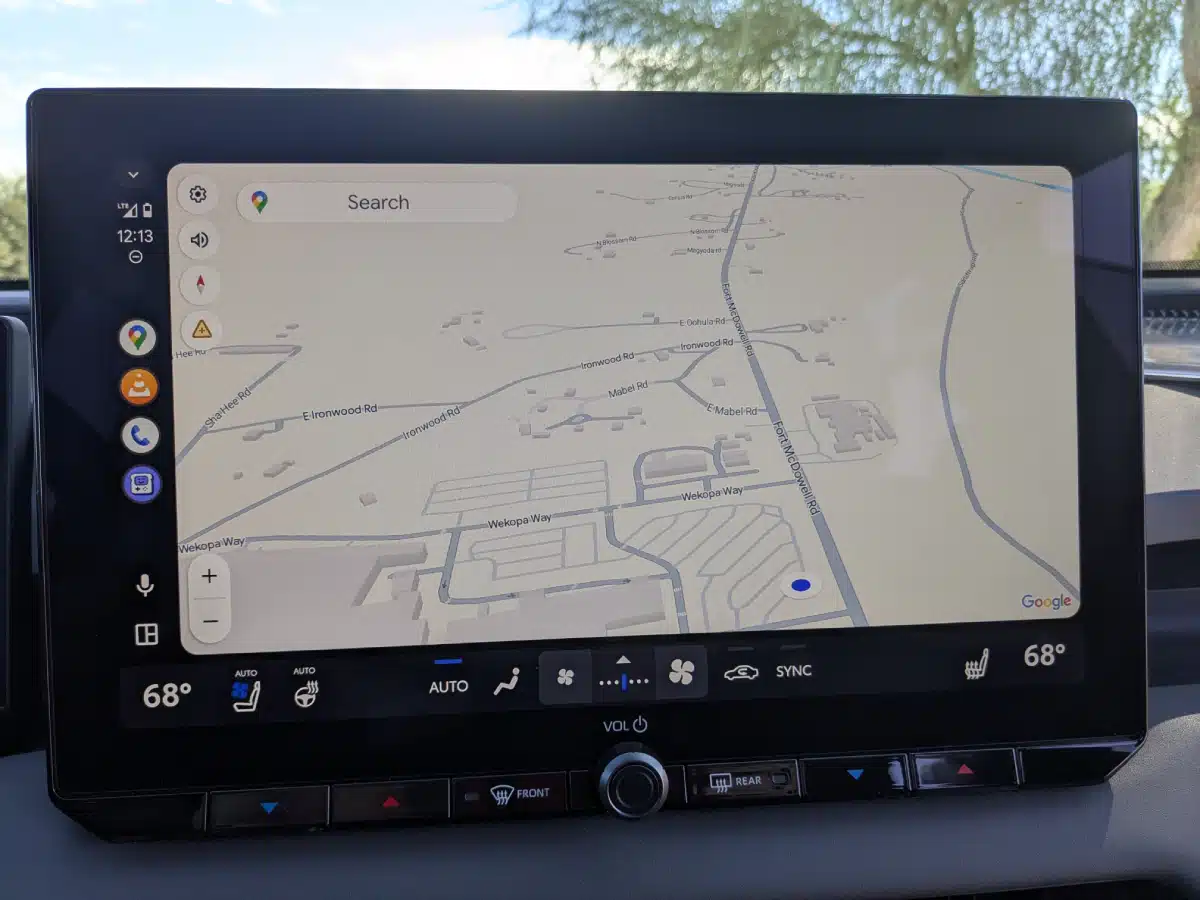
Once you’re paired, you can control your phone via Android Auto or Apple CarPlay. You can also access it via a simplified bluetooth interface, if you like to do it old school. You can access select apps on your phone, as determined by what each platform makes available. I was able to easily control my podcast app and VLC, a popular free media player, and if you need to access an app that isn’t supported, the audio will still come through the car’s sound system if you access the app directly via your phone. This can be useful for listening to music and podcasts on YouTube, for example — just be safe, of course (maybe have your passenger cue those up…).
Built-In Apps
Outside your phone, the infotainment system has apps for navigation, Spotify, Sirius XM and weather, with the potential to add more in the future. Those apps will require a Toyota data sub (for Spotify and navigation), or satellite radio subscription for XM. One nice feature for XM users is the ability to access archived shows via the app — so if you miss your favorite weekly show, you can pull it up via search and listen, even days later (and no data sub required — it’s all covered by your Sirius connection).
The most exciting feature is the built in, always-on dash cam. Running on a continuous loop and able to save multiple clips on command (or via customizable trigger options, like a hard stop), the dash cam will offer a measure of both safety and convenience that is hard to top. And speaking of the camera system, the backup camera has some neat tricks, too, like being able to erase your car from the image as you back up, for a better view of the surroundings.
The audio system comes in two configurations, a base setup with six speakers, and a premium nine-speaker JBL system with a built in sub and amplifier. The JBL system also offers additional audio customization options, like more bands on the built in graphic EQ. (Look for more about the high-end system in our ongoing coverage.)
Home Screen Sweet Home Screen
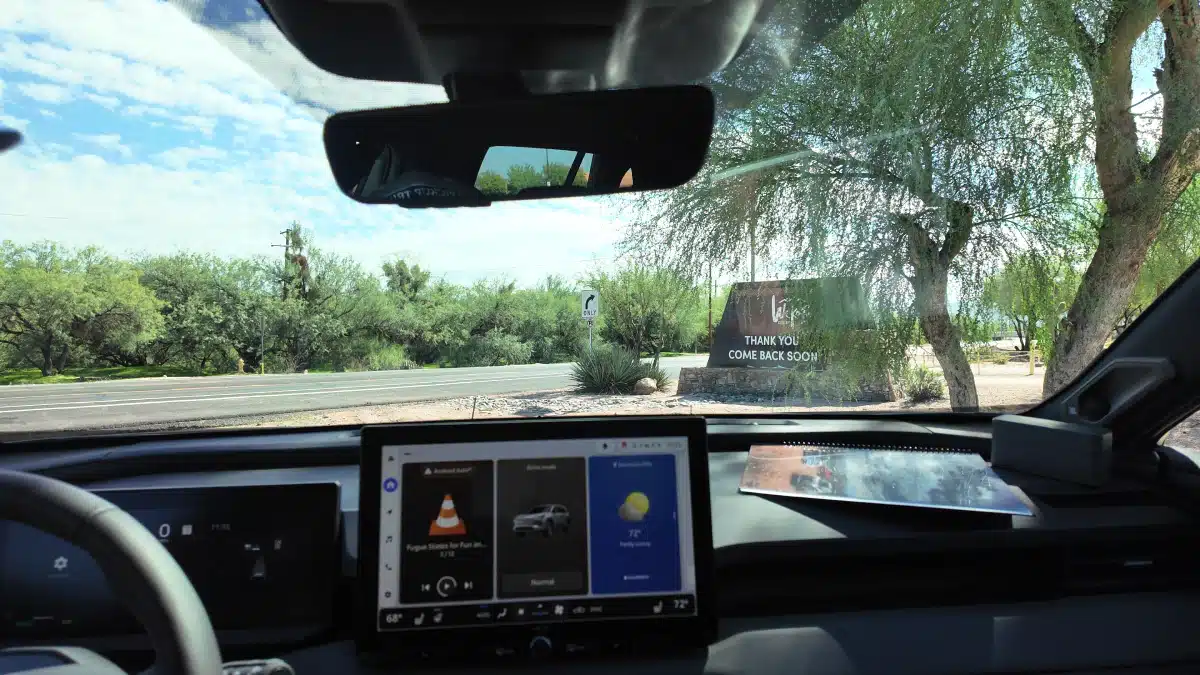
The home screen is customizable, with a multitile system that shows 3 app tiles on adjacent screens, switchable with a swipe. The navigation tile takes two spots (you just need a little more space to display navigation info, I suppose) but otherwise the setup is fully customizable, pouting the tiles you use the most on the first screen.
Speaking of customization, nearly every aspect of the driving, parking and on-board experience can be customized from within the system. From turning off or tweaking the car’s safety notifications, to controlling what the seats do when you get in or out, to setting the height the hatchback opens to and beyond, you can access everything in one place.
Shortcuts And More
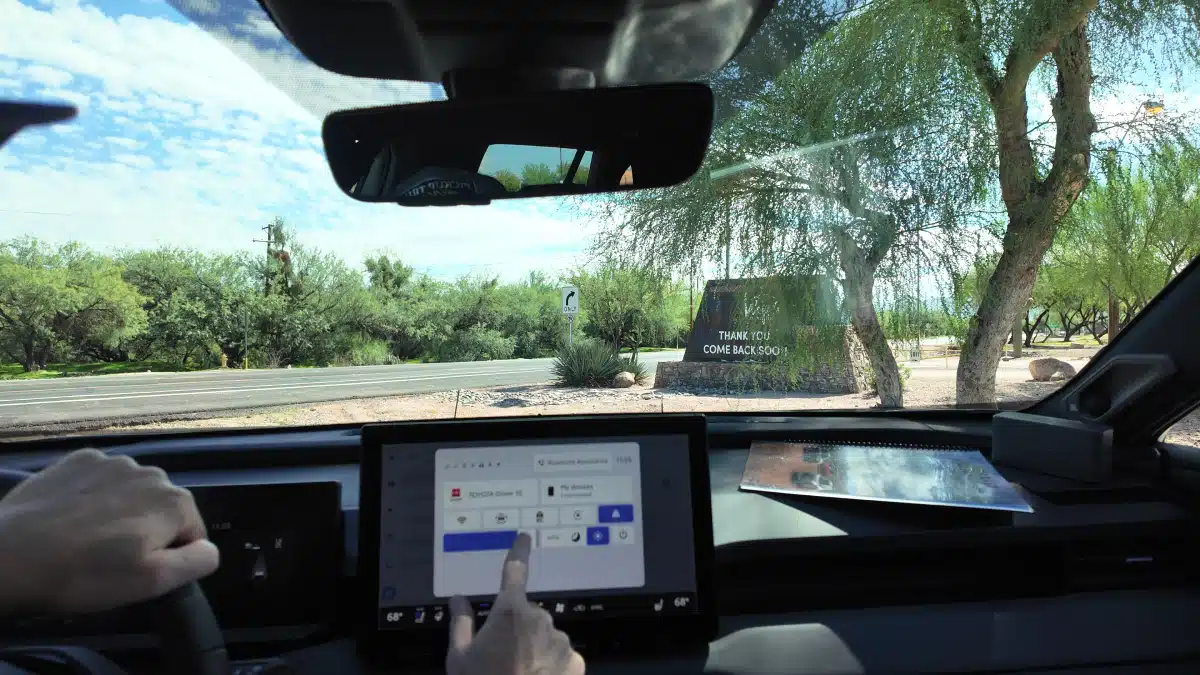
There’s also a handy shortcut menu available at the top right that offers the most-accessed features in one place. Activate with a quick touch on it in the upper right of the screen, and you’ll be able to access light/dark modes, save a dash cam clip, select driving modes, and more with just a single touch. Climate controls get real buttons and knobs for core functions, with an additional layer of features a menu layer deep in the infotainment system.
For future proofing, the system runs on an upgradeable Linux-based OS, so if new software options appear or features are demanded by end users, adding them should be a simple matter.
Overall, the system is intuitive, and looks great. Along with fixing the annoying login/setup issues, Toyota has delivered an appealing, easy-to-use infotainment system.
(Editor’s note: Toyota USA paid for our air travel, hotel, and provided meals as part of this first drive event.)